

Dockmark Warehouse
One system for a Designated Zone warehouse
Declarations, bonded stock, deadlines, documents and billing, configured around your company and kept in your own installation.

DZ operations
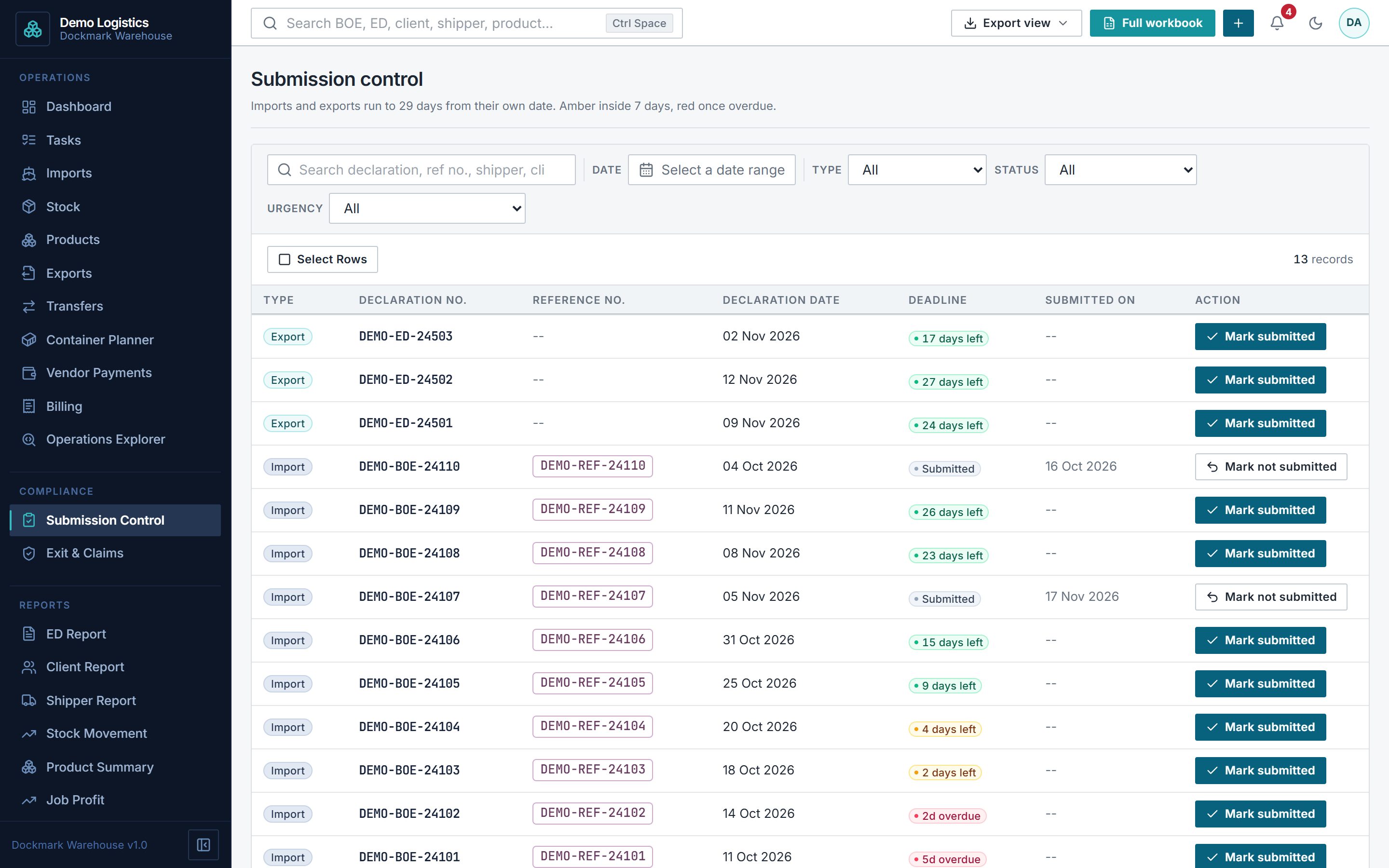
Declarations and deadlines, under control
Bills of Entry, Transit Out and Transfer Out live in one place, tied to the stock behind them, with your compliance deadlines in view.
- Bills of Entry
- Transit Out
- Designated Zone Transfer Out
- Submission Control
- Exit & Claims, Export Filing, ED Report
- System Attention checks
Inventory & stock
Bonded stock you can trace
Know what you hold, per product and per Bill of Entry, and how it got there.
- Bonded stock levels
- Product Master
- Container Planner
Billing & e-invoicing
From job costs to the invoice
Charges and costs come together on each job, so you see the margin before you invoice, and invoices are ready for the UAE's PINT AE e-invoice format.
- Charges & costs per job
- Live profit and loss per job
- Invoices, credit notes and payables
- UAE e-invoice documents
ComingE-invoice submission through your ASP
Dockmark is not an Accredited Service Provider (ASP). E-invoice documents are prepared in Dockmark; submission goes through the ASP you appoint.
Built around your company
Your identity, your formats, your team
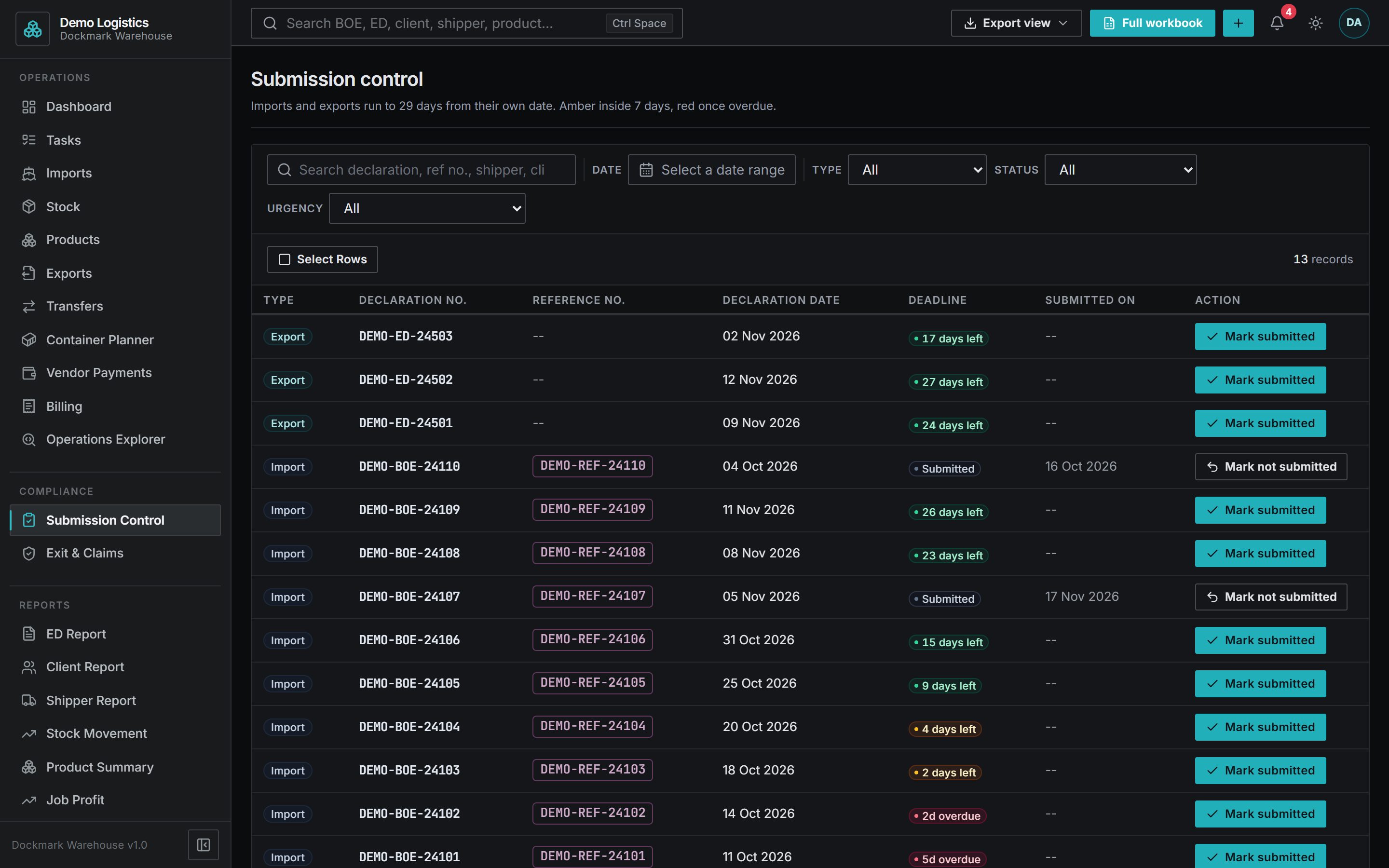
Documents carry your company's name, formats and master data are managed in the app, and your team works in light or dark on any screen.
- Documents in your company's name
- Configured in the app
- Tasks and deadlines
- Google sign-in and roles
- Light or dark, on any screen
See your own operation in Dockmark.
A walkthrough of Dockmark Warehouse on a demo installation, around the way your operation works.